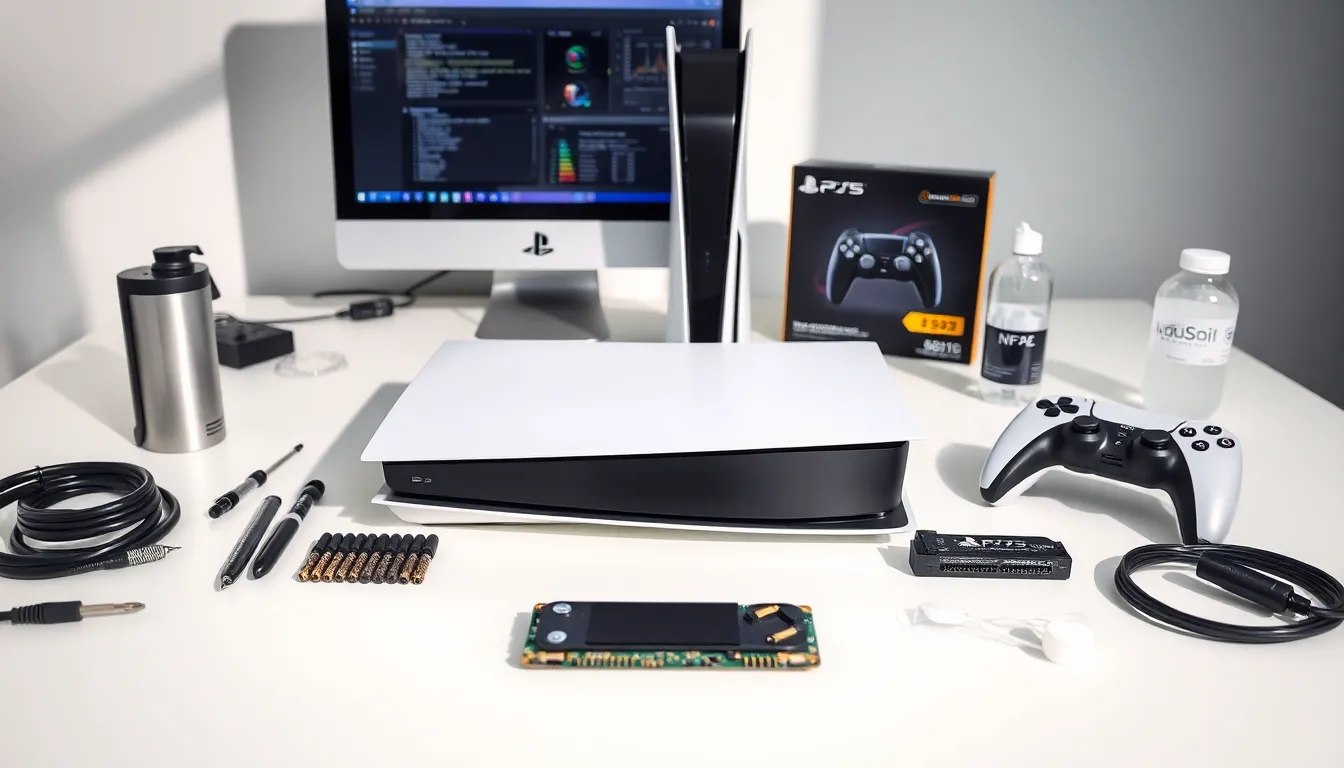
PlayStation tools help gamers maintain their consoles, improve performance, and get more from their gaming sessions. Whether someone owns a PS4, PS5, or older hardware, the right accessories and software can extend console life and enhance gameplay.
This guide covers the most useful PlayStation tools available today. From hardware repair kits to development software and storage upgrades, these resources serve casual players and serious enthusiasts alike. Understanding what PlayStation tools exist, and how to use them, gives gamers a real advantage.
Table of Contents
ToggleKey Takeaways
- PlayStation tools range from hardware repair kits to development software, helping gamers maintain consoles and enhance gameplay.
- Thermal paste replacement is one of the most effective PlayStation tools for fixing overheating and loud fan noise in older consoles.
- Replacement analog stick modules can permanently fix controller drift issues for just a few dollars, extending the life of DualShock 4 and DualSense controllers.
- PS5 owners can expand internal storage with compatible M.2 NVMe SSDs, adding up to 4TB of fast storage for games.
- HDMI 2.1 cables, cooling solutions, and wired network connections are essential PlayStation tools for unlocking peak console performance.
- PlayStation Plus cloud storage and built-in backup utilities protect game saves and simplify console upgrades or replacements.
Hardware Maintenance and Repair Tools
Every PlayStation console needs occasional maintenance. Dust builds up inside the system, thermal paste dries out, and components wear down over time. The right PlayStation tools make these issues manageable without a trip to a repair shop.
Cleaning Kits
Compressed air cans remove dust from vents and internal components. Electric air blowers offer a reusable alternative that works even better. Cotton swabs and isopropyl alcohol (90% or higher) clean stubborn residue from surfaces and connectors.
For deeper cleaning, opening the console becomes necessary. This requires specific screwdrivers, typically T8 Torx security bits for PS4 and PS5 models. A good precision screwdriver set with multiple bit types handles most PlayStation hardware.
Thermal Management
Thermal paste replacement is one of the most effective PlayStation tools for older consoles. The factory-applied paste degrades after several years, causing overheating and loud fan noise. Quality thermal compounds like Arctic MX-4 or Noctua NT-H1 restore proper heat transfer between the processor and heatsink.
Thermal pads also need attention. These cover memory chips and power components. Replacement pads come in various thicknesses, so measuring the originals before ordering saves headaches.
Controller Repair
DualShock 4 and DualSense controllers develop drift issues over time. Replacement analog stick modules cost a few dollars and fix the problem permanently. Opening controllers requires small Phillips head screwdrivers and plastic pry tools to avoid scratching the shell.
Button replacements, trigger springs, and battery swaps are other common repairs. These PlayStation tools give controllers a second life instead of forcing expensive replacements.
Development and Debugging Tools
PlayStation tools extend beyond physical accessories. Developers and advanced users rely on software solutions to create games, test applications, and troubleshoot problems.
Official Development Kits
Sony provides PlayStation Partners access to official development hardware and software. These dev kits include modified consoles with extra RAM, debug features, and direct PC connectivity. The PlayStation SDK (Software Development Kit) contains everything needed to build games for the platform.
Registered developers also access PlayStation Tools libraries, pre-built code modules that handle common functions like controller input, audio playback, and network connectivity. These speed up development considerably.
Homebrew and Custom Firmware
The homebrew community has created PlayStation tools for older consoles no longer under active support. Custom firmware on PS3 and earlier systems enables backup managers, media players, and emulators. These tools require specific console versions and firmware states to install.
PS4 homebrew exists for certain firmware versions as well. Debug settings, package installers, and FTP servers let users explore their hardware in ways Sony didn’t intend. These PlayStation tools carry risks, improper use can brick consoles or trigger bans.
Remote Play and Streaming
Sony’s official Remote Play app turns phones, tablets, and PCs into PlayStation displays. This software streams games over local networks or the internet, enabling play from anywhere. Third-party alternatives like Chiaki offer similar functionality with open-source code.
These PlayStation tools work best on fast, stable connections. Wired Ethernet beats WiFi for both the console and receiving device.
Performance Optimization Accessories
Getting peak performance from PlayStation hardware sometimes requires additional accessories. These PlayStation tools address cooling, connectivity, and display output.
Cooling Solutions
Vertical stands with built-in fans improve airflow around the console. Third-party cooling stations add extra ventilation where Sony’s design falls short. Some users report lower temperatures and quieter operation with these accessories.
External USB fans attach directly to console vents. Their effectiveness varies, some help, others just add noise. Reading reviews before purchasing any cooling PlayStation tools prevents disappointment.
Network Upgrades
WiFi works fine for casual gaming, but competitive players need wired connections. USB-to-Ethernet adapters add wired networking to setups where running cables proves difficult. For PS5 owners, the built-in Ethernet port supports gigabit speeds natively.
Mesh WiFi systems and gaming routers with QoS (Quality of Service) features prioritize console traffic. These aren’t PlayStation tools specifically, but they dramatically improve online gaming experience.
Display Optimization
HDMI 2.1 cables unlock PS5’s full potential, 4K at 120Hz, Variable Refresh Rate, and Auto Low Latency Mode. Cheap cables often can’t handle this bandwidth. Premium certified cables ensure proper signal transmission.
Capture cards let gamers record and stream gameplay to PCs. Elgato, AVerMedia, and other brands offer PlayStation-compatible options. These tools matter for content creators and anyone wanting to preserve gaming moments.
Storage and Data Management Solutions
Modern games consume massive storage space. A single title can exceed 100GB, filling default drives quickly. PlayStation tools for storage expansion solve this problem.
Internal SSD Upgrades
PS5 includes an M.2 SSD expansion slot that accepts NVMe drives meeting Sony’s speed requirements (5,500 MB/s read speed minimum). Samsung 980 Pro, WD Black SN850, and Seagate FireCuda 530 all work well. These PlayStation tools add up to 4TB of internal storage.
PS4 allows full internal drive replacement. Any 2.5-inch SATA drive fits, SSDs offer speed improvements, while large HDDs maximize capacity affordably. The swap process takes about 15 minutes with basic PlayStation tools like a screwdriver.
External Storage Options
USB external drives store PS4 games on both PS4 and PS5 consoles. PS5 games require the faster internal storage, but moving them to external drives for archival saves space. When ready to play again, moving them back beats re-downloading.
Seagate’s officially licensed PlayStation drives come pre-formatted and ready to use. Generic USB 3.0 drives work equally well at lower prices. Any drive 250GB or larger functions as extended storage.
Cloud and Backup Solutions
PlayStation Plus subscribers get cloud storage for game saves. This protects progress if hardware fails and enables save transfers between consoles. The feature syncs automatically when enabled in settings.
For full system backups, PlayStation tools include built-in backup utilities. These create complete images of games, saves, and settings on external drives. Restoring from backup speeds up console replacement or upgrades significantly.