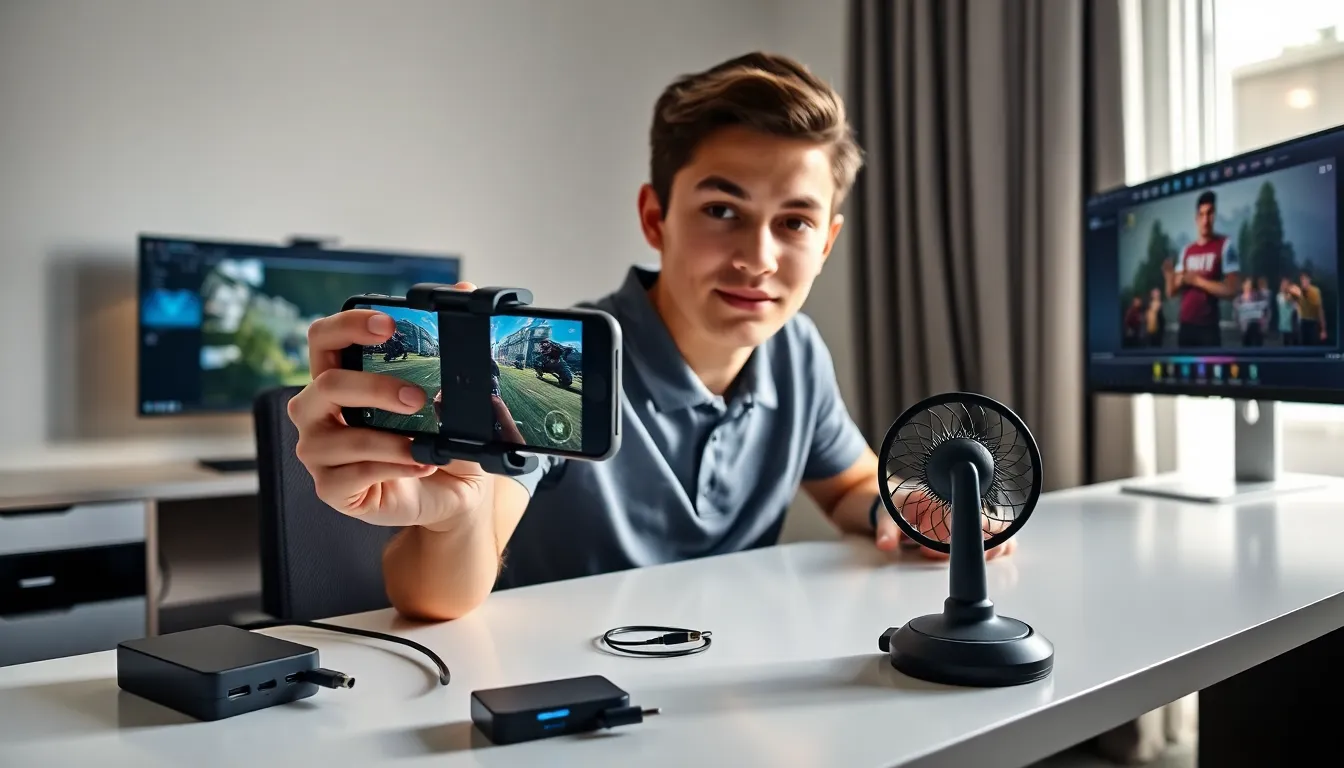
A solid mobile gaming guide can transform casual play sessions into genuinely competitive experiences. Smartphones now rival dedicated consoles in processing power, and millions of players worldwide take their mobile games seriously. Whether someone wants to climb ranked ladders, beat personal records, or simply enjoy smoother gameplay, the right knowledge makes a difference.
This guide covers practical strategies for choosing games, optimizing device settings, picking useful accessories, and building real skills. No fluff, just actionable tips that work.
Table of Contents
ToggleKey Takeaways
- This mobile gaming guide helps players optimize their experience through smart game selection, device settings, and skill-building strategies.
- Match games to your available time and device capabilities to avoid frustration and performance issues.
- Prioritize frame rate over graphics in competitive games—a stable 60 FPS beats beautiful 30 FPS visuals when reaction time matters.
- Accessories like controllers, cooling systems, and quality headphones can significantly improve precision and comfort during play.
- Accelerate skill growth by watching top players, reviewing your own gameplay footage, and practicing specific weak areas.
- Take regular breaks and join gaming communities to maintain peak performance and learn from other players.
Choosing the Right Mobile Games for You
The mobile gaming market offers thousands of titles across every genre imaginable. Picking the right games matters more than most players realize. A poor match leads to frustration, wasted money, and abandoned downloads.
Match Games to Available Time
Some mobile games demand 30-minute sessions. Others work perfectly in 3-minute bursts. Players should honestly assess their typical gaming windows. Someone with a long commute might enjoy story-driven RPGs. A parent grabbing quick breaks might prefer puzzle games or auto-battlers.
Consider Device Capabilities
High-end titles like Genshin Impact or Call of Duty Mobile require significant processing power and storage. Players with older devices should check minimum requirements before downloading. Nothing kills enthusiasm faster than constant lag or crashes.
Read Reviews Strategically
App store ratings tell part of the story. The real insights come from reading recent negative reviews. These reveal current bugs, pay-to-win mechanics, or server issues that developers may not have fixed. A game with 4.5 stars but recent complaints about matchmaking problems deserves caution.
Test Free Versions First
Many premium mobile games offer lite versions or free trials. Smart players test before committing money. Even free-to-play games deserve a trial period, the monetization model often becomes clear within the first few hours.
Essential Settings to Optimize Your Gaming Experience
Default settings rarely deliver the best mobile gaming experience. A few quick adjustments can dramatically improve performance and enjoyment.
Graphics and Frame Rate
Most games let players choose between visual quality and smooth performance. For competitive titles, prioritize frame rate over graphics. A stable 60 FPS beats gorgeous 30 FPS visuals when reaction time matters. Players can experiment with medium settings as a starting point, then adjust based on results.
Battery and Thermal Management
Intense gaming sessions drain batteries fast and generate heat. Enabling battery saver mode during gameplay extends session length but may reduce performance. Some players keep their devices plugged in during long sessions. But, this can increase heat, a phone case removal often helps thermal management.
Notification Control
Few things ruin a clutch play like an incoming call or message banner. Players should enable Do Not Disturb or gaming mode before starting competitive matches. Most Android devices offer dedicated gaming modes that block notifications and optimize resources automatically.
Audio Settings
Sound design provides crucial information in many mobile games. Footstep audio in shooters, ability cues in MOBAs, and timing indicators in rhythm games all require clear audio. Players should use headphones and adjust in-game audio balance to emphasize important sounds over background music.
Must-Have Accessories for Mobile Gamers
The right accessories transform mobile gaming from a casual pastime into a serious hobby. Not every player needs everything, but certain items deliver immediate value.
Controllers
Touchscreen controls work fine for casual play. Competitive mobile gaming often demands more precision. Bluetooth controllers like the Backbone One, Razer Kishi, or GameSir X2 attach directly to phones and provide console-quality inputs. Many popular mobile games now support controller input natively.
Cooling Systems
Phones throttle performance when they overheat. External cooling fans or clip-on coolers maintain optimal temperatures during extended sessions. Players who notice performance drops after 20-30 minutes of gaming should consider thermal solutions.
Quality Headphones
Wireless earbuds offer convenience, but they introduce audio latency. For games where split-second timing matters, wired headphones eliminate delay. Gaming-specific earbuds with low-latency modes provide a middle ground.
Phone Stands and Grips
Long gaming sessions cause hand fatigue. Ergonomic grips distribute weight better and reduce strain. Stands free up hands entirely for controller use and improve viewing angles. Even a simple phone stand improves comfort during lengthy play sessions.
Power Banks
Serious mobile gaming drains batteries quickly. A quality power bank with fast charging support ensures uninterrupted play anywhere. Players should look for banks with at least 10,000 mAh capacity and USB-C Power Delivery support.
Tips to Improve Your Skills and Performance
Equipment and settings only go so far. Real improvement in mobile gaming comes from deliberate practice and smart habits.
Learn From Better Players
YouTube tutorials and Twitch streams offer free education from top players. Watching skilled gameplay reveals strategies, positioning tricks, and techniques that might take months to discover independently. Players should focus on content creators who explain their decisions, not just showcase highlights.
Review Personal Gameplay
Most devices can record gameplay. Reviewing footage reveals mistakes invisible during actual play. That death that felt unfair? The replay might show a missed warning sign or poor positioning. This mobile gaming guide emphasizes self-review because it accelerates learning faster than grinding alone.
Practice Specific Skills
General play improves general skills slowly. Focused practice on weak areas improves them quickly. A player who struggles with aim should spend time in training modes. Someone who loses teamfights should study positioning guides. Targeted practice beats random repetition.
Take Breaks
Performance degrades after extended play. Reaction times slow, decision-making suffers, and frustration builds. Short breaks every hour maintain peak performance. Players who feel tilted should step away entirely, continuing while frustrated reinforces bad habits.
Join Communities
Discord servers, Reddit communities, and in-game guilds connect players with others who share their interests. These communities share tips, organize practice sessions, and provide motivation. Solo improvement has limits: community involvement accelerates growth.