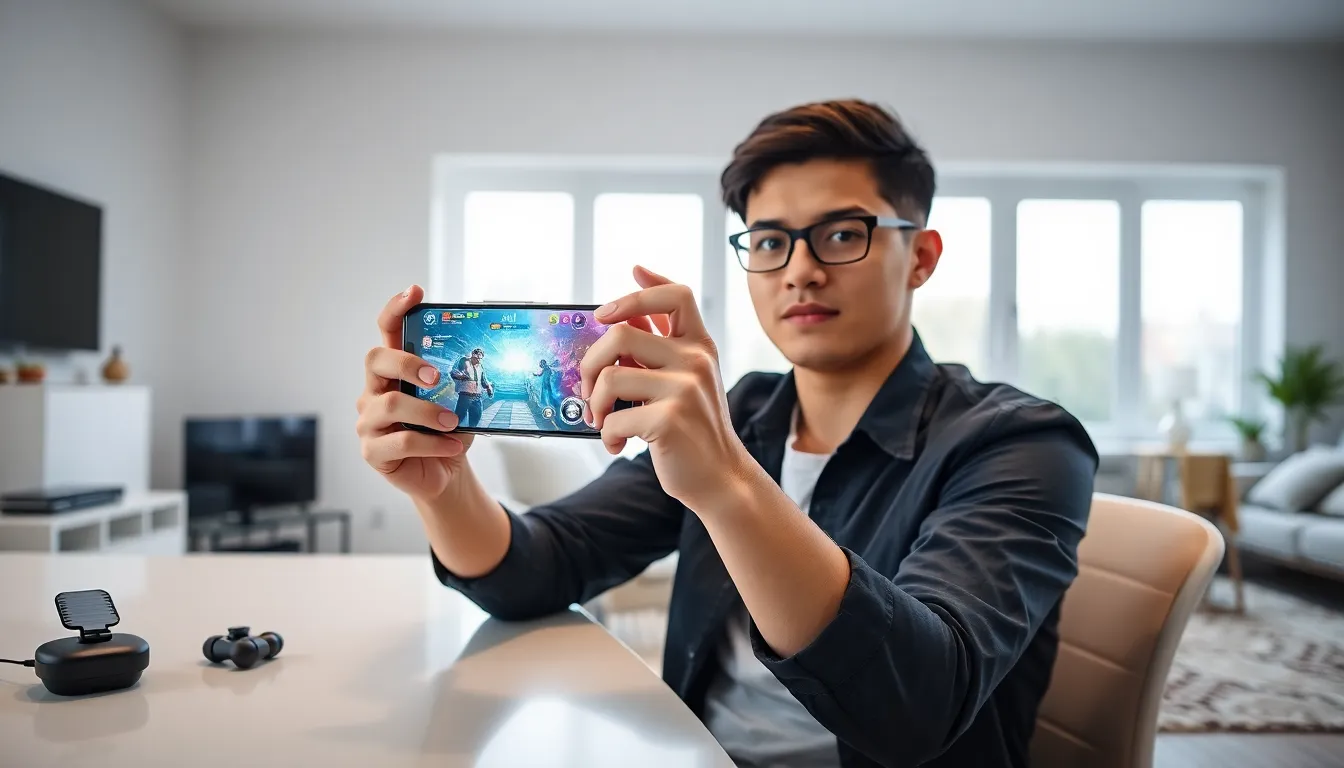
Mobile gaming tips can transform an average player into a skilled competitor. Smartphones now deliver console-quality experiences, but many players don’t optimize their setup for peak performance. Whether someone plays casual puzzle games or competitive shooters, small adjustments make a big difference. This guide covers practical strategies to boost gameplay, protect devices, and build sustainable habits. Players will learn how to fine-tune settings, master controls, extend battery life, and choose the right gear. These mobile gaming tips apply to beginners and experienced players alike.
Table of Contents
ToggleKey Takeaways
- Enable your device’s built-in game mode to prioritize system resources and block distractions during gameplay.
- Customize control layouts and adjust touch sensitivity to improve reaction time and accuracy in mobile games.
- Avoid playing while charging to prevent overheating and protect long-term battery health.
- Invest in affordable accessories like finger sleeves, controllers, or cooling fans for a more comfortable mobile gaming experience.
- Follow the 20-20-20 rule and take regular breaks to prevent eye strain and hand fatigue during longer sessions.
- Apply these mobile gaming tips consistently to boost performance, protect your device, and enjoy gaming sustainably.
Optimize Your Device Settings for Better Performance
Device settings directly impact gaming performance. Most players skip this step and miss out on smoother gameplay.
Enable Game Mode
Most Android and iOS devices include a built-in game mode. This feature prioritizes system resources for games, blocks notifications, and reduces background activity. Samsung calls it Game Booster, while other manufacturers use similar names. Players should activate this feature before launching any game.
Adjust Graphics Settings In-Game
Higher graphics don’t always mean better gameplay. Many mobile games let players choose between quality and performance. Selecting medium graphics with high frame rates often delivers a better experience than maxed-out visuals that stutter. Competitive players typically prioritize frame rate over visual detail.
Clear Background Apps
Background apps consume RAM and processing power. Before gaming sessions, players should close unused applications. This simple mobile gaming tip frees up resources and reduces lag. Some devices include a one-tap option to clear all background processes.
Update Software Regularly
Game developers release patches that fix bugs and improve performance. Operating system updates also include optimizations for gaming. Keeping both the game and device software current ensures the best possible experience.
Disable Auto-Brightness
Auto-brightness adjustments can cause micro-stutters during gameplay. Setting a fixed brightness level eliminates this distraction. Players should choose a comfortable level that doesn’t strain their eyes during longer sessions.
Master Touch Controls and Responsiveness
Touch controls separate mobile gaming from console and PC gaming. Mastering them requires practice and proper setup.
Customize Control Layouts
Many games allow players to move buttons and adjust their size. Players should experiment with different layouts to find what feels natural. Placing frequently used buttons within easy thumb reach reduces hand fatigue and improves reaction time.
Adjust Touch Sensitivity
Sensitivity settings affect how quickly characters move or aim. Higher sensitivity allows faster turns but requires more precision. Lower sensitivity offers more control but slower reactions. Players should start with medium settings and adjust based on their play style. This mobile gaming tip alone can dramatically improve accuracy in shooter games.
Practice in Training Modes
Most competitive games offer practice areas. Players should spend time here learning control schemes before jumping into ranked matches. Building muscle memory takes repetition, and training modes provide a low-pressure environment to develop skills.
Consider Gyroscope Controls
Some games support gyroscope aiming, which uses the phone’s motion sensors. This method combines touch controls with physical movement for more precise aiming. Many professional mobile gamers use gyroscope controls in shooter games. It takes time to learn, but the precision gains are worth the effort.
Keep the Screen Clean
Oils and dirt on screens reduce touch responsiveness. A quick wipe with a microfiber cloth before gaming sessions keeps controls feeling crisp. This often-overlooked mobile gaming tip makes a noticeable difference.
Manage Battery Life and Avoid Overheating
Intensive games drain batteries fast and generate heat. Both issues hurt performance and can damage devices over time.
Use Battery Saver Modes Wisely
Battery saver modes reduce performance to extend playtime. They work well for casual games but hurt competitive play. Players should charge their devices before important gaming sessions rather than relying on power-saving features during gameplay.
Avoid Playing While Charging
Charging generates heat. Gaming generates heat. Combining both can push temperatures to dangerous levels. This practice also degrades battery health faster. If players must charge while gaming, they should use a quality charger and remove any case to improve heat dissipation.
Monitor Device Temperature
Many phones display temperature warnings when overheating. Third-party apps can track temperature in real time. When devices get hot, players should take a break. Continuing to play can cause thermal throttling, where the device automatically reduces performance to cool down.
Use External Cooling Solutions
Fan attachments and cooling cases help maintain optimal temperatures during long sessions. These accessories are especially useful for graphically demanding games or warm environments. They represent a worthwhile investment for serious mobile gamers.
Lower Screen Brightness
The display consumes significant battery power. Reducing brightness extends playtime and generates less heat. Players should find a balance between visibility and power consumption. These mobile gaming tips help devices last longer both per session and over their lifetime.
Choose the Right Accessories for Comfortable Play
The right accessories transform mobile gaming from awkward to enjoyable. Players don’t need to spend much to see real improvements.
Gaming Controllers
Bluetooth controllers give players physical buttons and joysticks. They work well for platformers, racing games, and action titles. Popular options include the Backbone, Razer Kishi, and GameSir models. Controller support varies by game, so players should check compatibility before buying.
Finger Sleeves
Sweat causes fingers to stick and skip across screens. Finger sleeves made from conductive material solve this problem. They improve touch accuracy and feel more comfortable during long sessions. Most cost under ten dollars and last for months.
Phone Grips and Stands
Holding a phone for extended periods causes hand cramps. Grips add ergonomic support, while stands free up hands entirely. Adjustable stands also help players find better viewing angles. These simple accessories make a big difference for comfort.
Gaming Earbuds
Audio cues matter in many games. Quality earbuds with low latency deliver sound without delay. Wireless options offer convenience, but wired earbuds eliminate audio lag entirely. Players should look for gaming-specific models that prioritize speed over features like noise cancellation.
These mobile gaming tips about accessories help players create a more comfortable and effective setup without very costly.
Build Healthy Gaming Habits
Gaming should be fun, not harmful. Building good habits protects both physical health and enjoyment over time.
Take Regular Breaks
Playing for hours without breaks causes eye strain, hand fatigue, and mental exhaustion. The 20-20-20 rule works well: every 20 minutes, look at something 20 feet away for 20 seconds. Standing up and stretching every hour also helps.
Set Time Limits
Mobile games often include systems designed to keep players engaged longer than intended. Setting personal time limits prevents gaming from taking over other responsibilities. Most phones include screen time tracking features that help players monitor their habits.
Maintain Good Posture
Hunching over a phone strains the neck and back. Players should hold devices at eye level when possible. Playing while sitting in a supportive chair beats lying in bed or slouching on a couch.
Protect Vision
Blue light from screens can disrupt sleep patterns. Using blue light filters or night mode during evening gaming sessions helps. Players should also ensure adequate room lighting to reduce eye strain.
Know When to Stop
Frustration during losing streaks leads to poor decisions and less enjoyment. Taking a break after a few losses helps players reset mentally. Coming back fresh often produces better results than pushing through tilt. These mobile gaming tips protect long-term health while maintaining enjoyment of the hobby.